Guide
·
Jul 31, 2026
How to choose a B2B SaaS website template
Five structural checks that separate a SaaS template you can grow into from one you outgrow in a month: product pages, pricing depth, proof systems, CMS, and license terms.

Written by

Most B2B SaaS websites fail at the same point. The hero looks fine, then the visitor asks a concrete question, what does it do, what does it cost, who else uses it, and the site runs out of pages.
A template either has the structure to answer those questions or it does not. The visual layer is easy to judge from a live preview. The structure takes a closer look, and five things are worth checking before you commit.
Five checks before you commit
1. Count the product pages
One generic features page works for a single-feature tool and nothing else. If your product has modules, CRM, invoicing, scheduling, each one needs its own page with its own screenshots and its own use case. Google’s own guidance on organizing pages by topic and on how content surfaces in AI features points the same way: search and AI assistants treat separate pages as separate answers to separate queries, so a template with one features page caps your search footprint at one query.
2. Look for a proof system
Case studies with a real structure, problem, change, result, convert better than a carousel of one-line quotes. If the template stores them in a CMS, every new customer story is data entry instead of a design project.
3. Make sure the blog runs on the CMS
You will publish comparisons, changelogs, and guides, and if every post needs layout work you will stop publishing by month two. Categories and authors should come from the CMS, not from copied layouts.
4. Open the pricing page
Three plan cards alone tell a buyer almost nothing. Look for a full comparison table and a pricing FAQ, because buyers spend more time on pricing than anywhere else, and the comparison table is what they screenshot into Slack when they pitch your tool internally.

5. Read the fine print before checkout
Is the source project editable, or are components locked? Which license applies, and does it cover client work? What Framer plan does the CMS require? These questions always surface in week two, so ask them in minute five.
How Sunbeam handles this
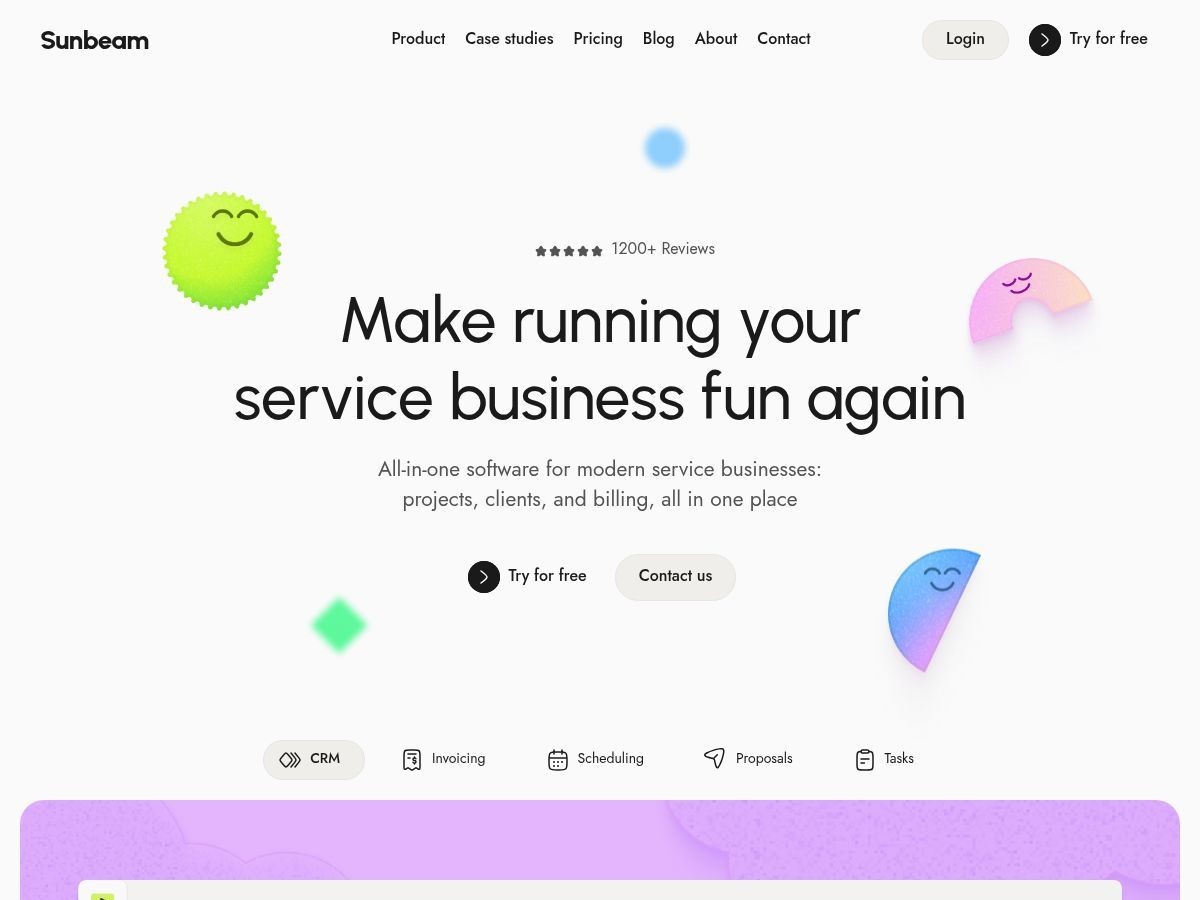
We built Sunbeam as the template we wanted for service-business software. It ships with 15 pages, including five dedicated product pages for CRM, invoicing, scheduling, proposals, and tasks, plus pricing with a comparison table and FAQ, and CMS-driven blog and case studies with authors and categories. A custom illustration set and matching AI art prompts keep new imagery on brand. It costs $49 for the Framer template, or $79 with the Figma file, and the full CMS needs a Framer plan with four collections. Current Startfrom purchases use the Single Site license for one website; Membership and Full Access have broader rights. Orders placed before September 3, 2026 keep the terms they were sold under.
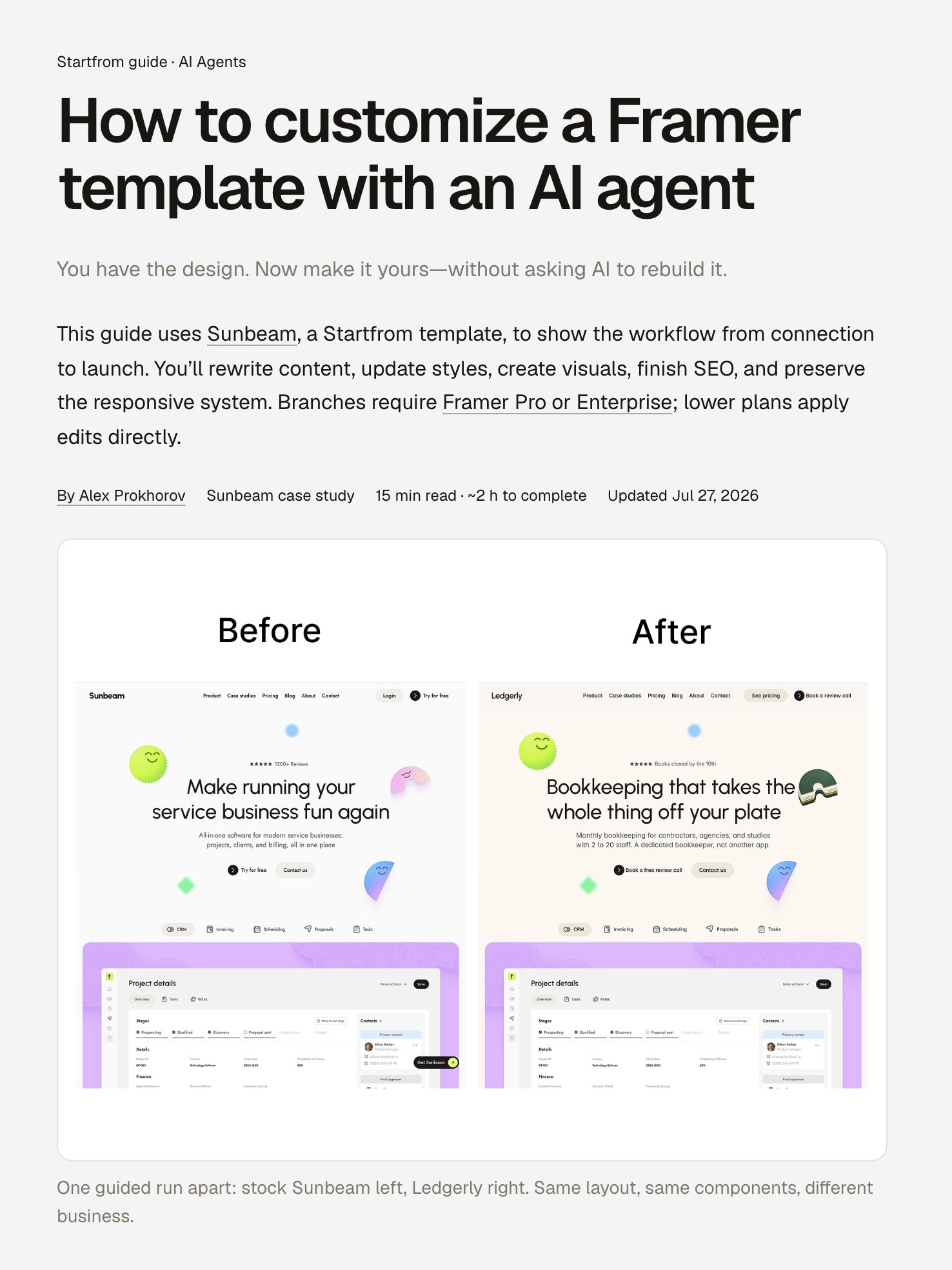
Whichever template you pick, the fastest way to make it yours is an AI agent working inside Framer’s structure: copy, colors, typography, images, and SEO in a couple of hours. The exact workflow is in the free AI customization guide.